From launcher to hub.
Three steps, two minutes. You need an official Minecraft Java account.
Get the pack
Find the Arkensia pack on Modrinth and download it. It has everything you need to play.
Import it
In Modrinth App or Prism Launcher: “Import”, then pick the file. The launcher downloads Minecraft and the mods by itself.
Enter the hub
Start the Arkensia instance, then Multiplayer, Add Server: arkensia.net. Your first steps guide you from there.
Drop by the Discord too
Event announcements, law votes, and players to help you get started. The whole community is there.
arkensia.net
The Arkensia subscription
Enjoy the whole server, every month.
- 22 cosmetics to wear: hats, pets, emotes, titles, discs…
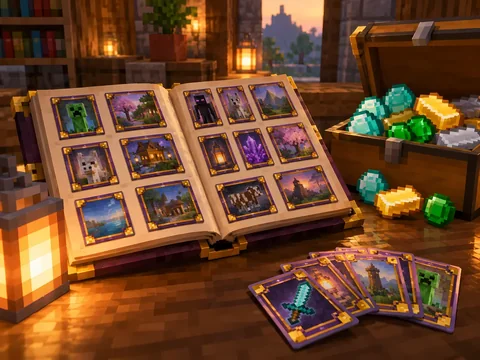
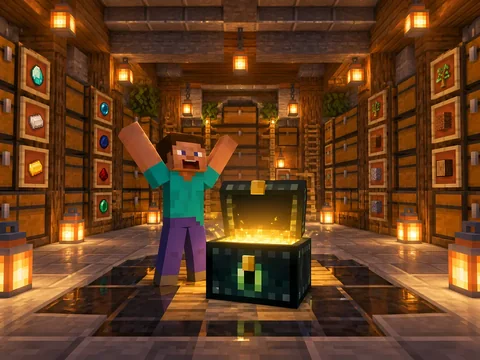
- Twice the space: ender chest, album, decks and outfits
- 5 homes and 50 listings at the auction house, 5 duel loadouts
- No commitment: stop whenever you want, nothing you stored is lost
€9.99a month
See the subscriptionIf you get stuck
Where do I find the pack?
On Modrinth. Once it’s imported, the launcher updates it by itself with each new version.
Can I add my own mods?
No. You play with the Arkensia pack as it is: a client without it, or with an extra mod, is turned away at the door.
Do I have to pay anything?
No, the game is free. Only cosmetics are for sale, and they give no advantage.
How do I report a player or a bug?
With the “Report” button in the game menu, or on the Discord.
Want to host your own server?
Arkensia runs on MineStrator, our official partner. The same hardware is available for your server.